
Scrittor: Notes
Simple notes with Google Drive backup.
4.3 on Google Play · 2.5K reviews100K+ downloads
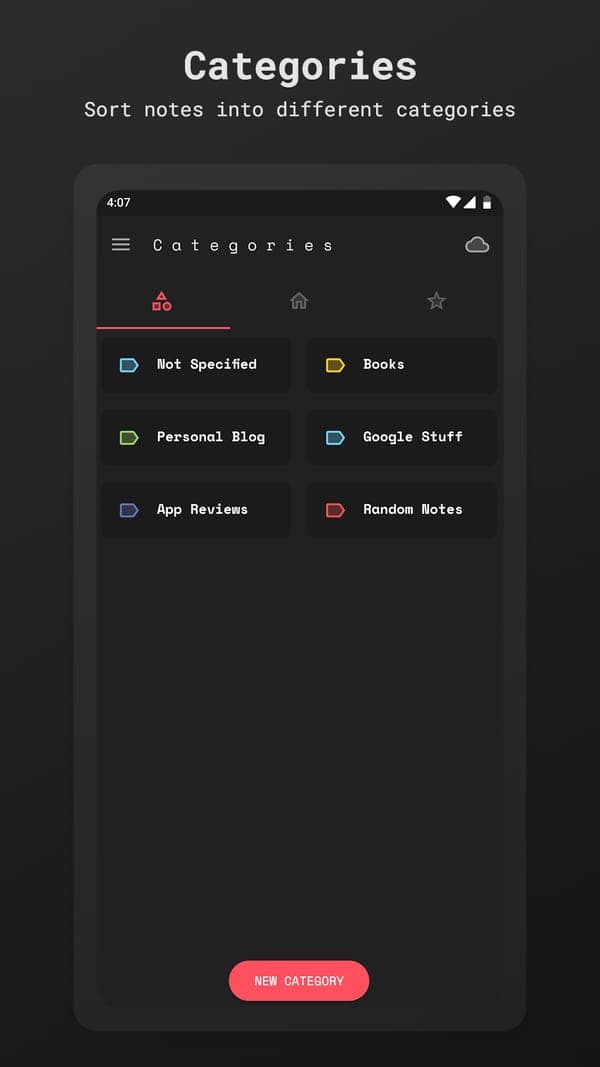
Scrittor is a simple, private notes app for Android with 100K+ downloads and a 4.3 star rating on Google Play. Sort notes into categories, lock them with a PIN or fingerprint and back them up to your own Google Drive.
About Scrittor
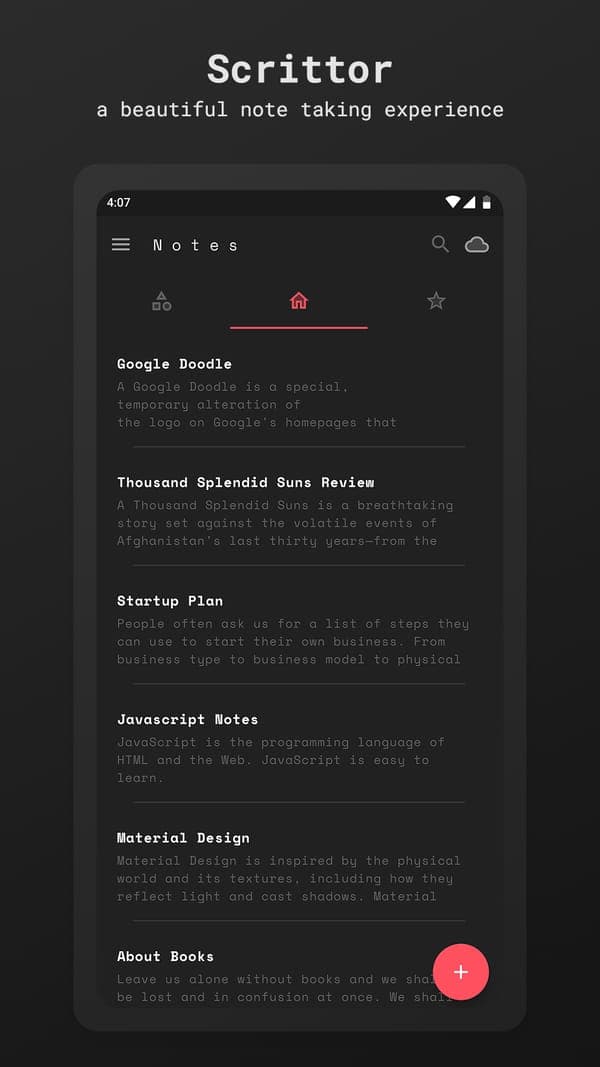
Scrittor is just notes. You write, pick a category and you're done. I built it to stay simple, without a pile of extra features making everything complicated.
It's been downloaded over 100,000 times, and I still update it. The latest version refreshes it for modern Android with better light, dark and AMOLED themes, stronger PIN and fingerprint protection and more reliable Google Drive backup.
Your notes stay on your phone and in your own Drive. I don't have a server holding them and there's no sign up.
Features
- Sort notes into categories
- Search and star your important notes
- Lock the app with a PIN or your fingerprint
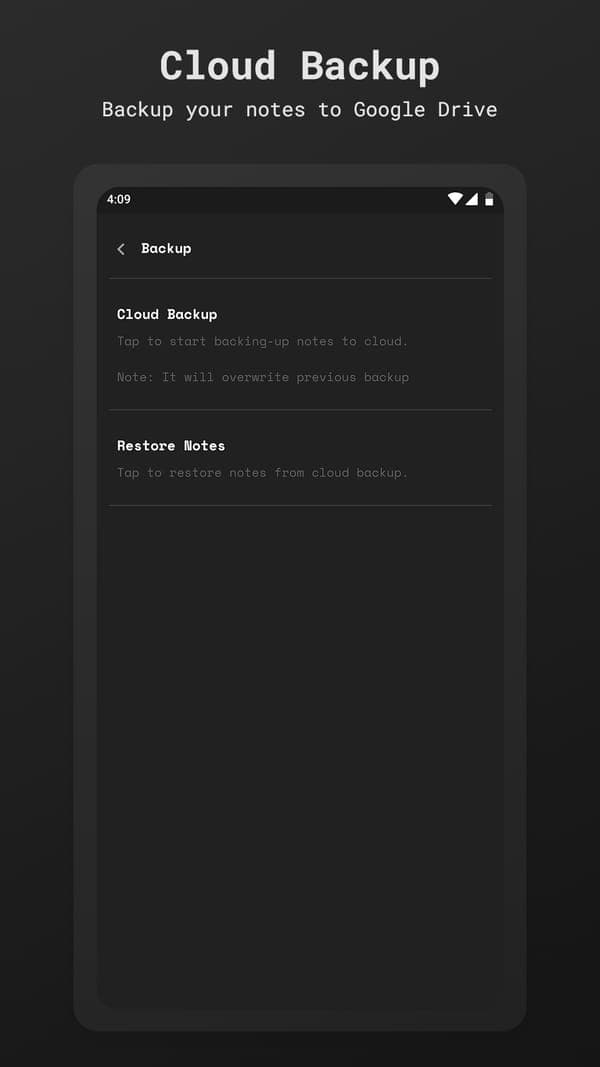
- Backup and restore with your own Google Drive
- Light, dark and AMOLED themes with accent colours
- Pin notes to your notification drawer
Details
- Platform
- Android
- Category
- Productivity
- Price
- Free · Optional donation
- Developer
- Shahid Shaikh
What people say
FAQ
Where are my Scrittor notes stored?
On your device. If you turn on backup, a copy is saved to your own Google Drive and nobody else can see it.
Can I lock Scrittor?
Yes. You can protect the app with a PIN or your fingerprint.
Do I need an account to use Scrittor?
No. Scrittor works without sign up. Google Drive is only used if you turn on backup.
More apps
All apps

Need an app like this built?
I build iOS and Android apps and Chrome extensions for founders and teams. Tell me what you have in mind.